
We provide a simple and secure login process to ensure quick access to your account. Start by clicking the Login link, then enter the email address or username you used during registration along with your password. If you have enabled two-factor authentication (2FA), you will be prompted to enter the secondary code sent to your registered device or authentication app. We recommend using a strong, unique password for your account and ensuring that the email address associated with your account remains active and secure. Avoid sharing your credentials with anyone and do not reuse passwords from other services. Our login flow includes protections against common threats and will prompt for additional verification when unusual activity is detected.
If you frequently log in from personal devices, consider enabling secure session options while avoiding persistent login on shared or public computers. We provide clear settings that control session length and device recognition so you can balance convenience with safety.
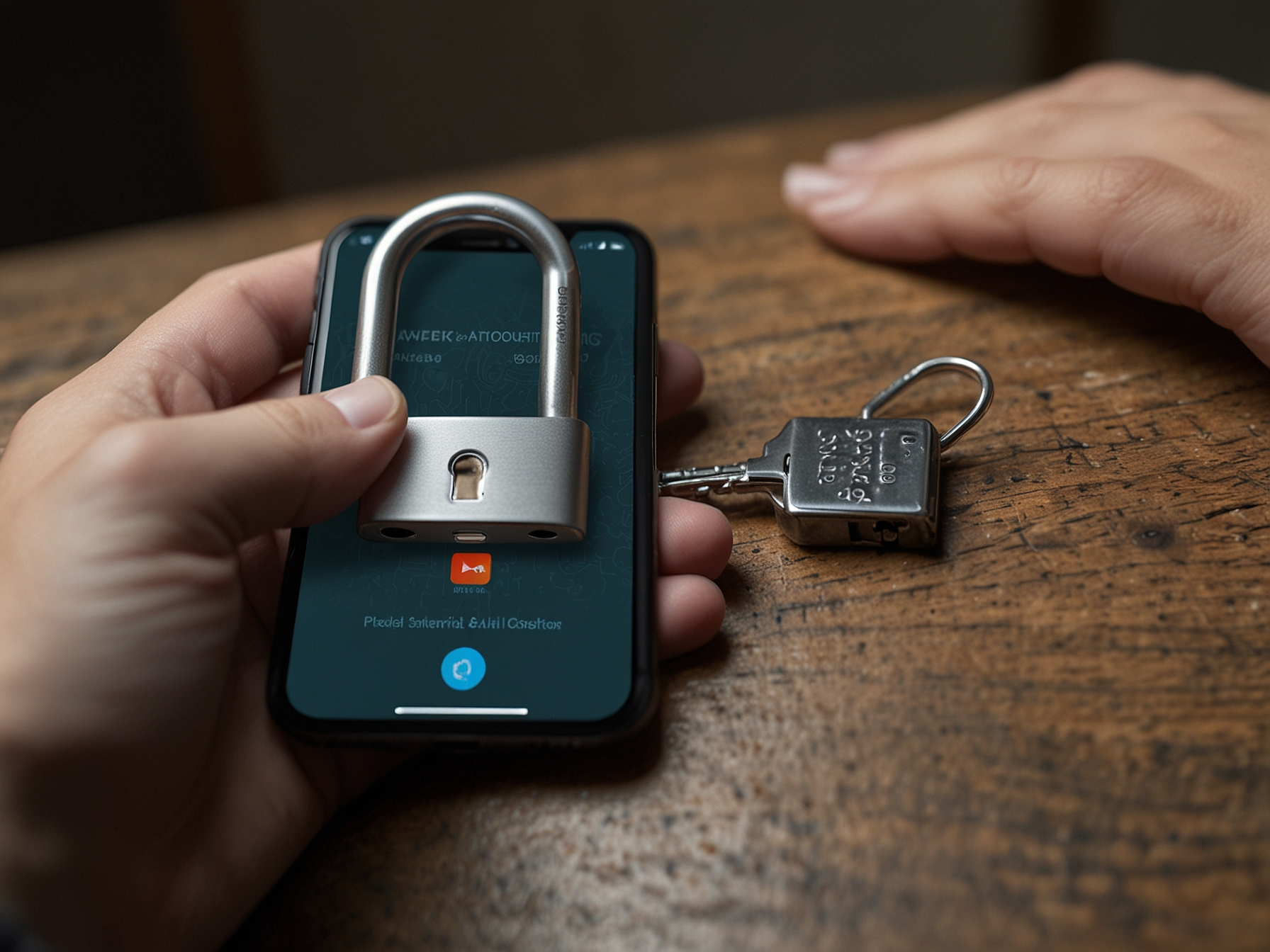
We encourage the use of two-factor authentication to add an extra layer of security to your account. 2FA reduces the risk of unauthorized access even if your password is compromised. Additionally, we monitor login attempts and device activity to detect suspicious behavior and take protective actions such as temporary locks or step-up verification. If you notice any unfamiliar login attempts or devices in your account history, immediately change your password and contact our support team for assistance. We will guide you through account recovery procedures and implement additional protections where necessary.
We respect your privacy and apply best practices to secure personal data. Our verification processes are designed to strike a balance between convenience and protection, and we only request details necessary for account integrity and regulatory compliance.
We offer a clear password recovery flow to restore access if you forget your credentials. Click the 'Forgot Password' link on the login page and follow the instructions. We will send a secure recovery link or code to your registered email address. After verifying your identity, you will be prompted to create a new secure password. For certain cases we may request additional verification such as identity documents or confirmation of recent transactions to ensure that account recovery requests are legitimate. These measures protect your funds and personal information by confirming rightful ownership before allowing access changes.
If you cannot access your registered email, contact our support team directly and provide the requested account details so we can assist. We will guide you through a secure process to verify your identity and restore access while minimizing risk.
We recommend a few practical tips to maintain account security. Use a password manager to create and store long unique passwords, enable 2FA for an extra security layer, and avoid using public Wi-Fi for sensitive operations. Regularly review your account activity and update contact details to ensure prompt communication from us when necessary. When using mobile devices, keep your operating system and apps up to date to benefit from the latest security improvements. If you choose to enable biometric login methods such as fingerprint or facial recognition, ensure your device itself is secured with a reliable lock screen method.
We provide settings in your account to manage active devices, session lengths, and notifications. By customizing these options you can receive alerts about new logins and maintain a tighter control over how and where your account is accessed.

If you encounter login difficulties, our support team is available to assist. We verify requests carefully to protect account ownership, so please be prepared to provide basic account identifiers. We respond promptly and will help you restore access or troubleshoot authentication errors in a professional manner. We operate multiple support channels, and we will guide you through safe steps to secure your account. For urgent login blocks, contact our live support; for less urgent issues, submit a support ticket with relevant details and we will follow up.
Enable 2FA and protect your account with an additional verification step. Activate now for enhanced security.
We deploy multiple layers of protection including device recognition, IP monitoring, and session analytics to detect suspicious behavior. When anomalies are detected, our system may require re-authentication or temporarily restrict access until identity is verified. These automated safeguards complement manual review by our security team when necessary. We also provide players with tools to review and manage active sessions and to terminate sessions remotely. We recommend periodically reviewing these settings and immediately logging out of sessions you do not recognize.
For enhanced account control, we recommend enabling notifications for important events such as password changes, new device logins, and withdrawal requests. These alerts help you stay informed and respond quickly to unauthorized activity.
We have compiled common login queries to assist our players. Topics include how to reset a password, steps for account recovery, and guidance on enabling 2FA. The FAQ below covers these areas and provides direct steps to address most common issues. If your issue is not resolved by the FAQ, please contact our support team for tailored assistance. We are committed to responding promptly and ensuring a secure resolution to restore your access.
Our goal is to make login simple without compromising security. By following best practices and using the protection features we provide, you can enjoy your gaming sessions with peace of mind.
Use the 'Forgot Password' link and follow email recovery instructions. If email access is unavailable, contact support for identity verification and further assistance.
Visit your account security settings, choose the 2FA option and follow the setup steps with an authenticator app or phone number to receive codes.
Immediately change your password, terminate unknown sessions from account settings, and contact our support team to investigate and secure your account.
Yes, but only on trusted personal devices. Avoid persistent logins on shared or public computers to reduce the risk of unauthorized access.
